

Is this the correct route?
Service questions, KYC, payment safety, complaints and grievances use separate routes.

Secure client onboarding
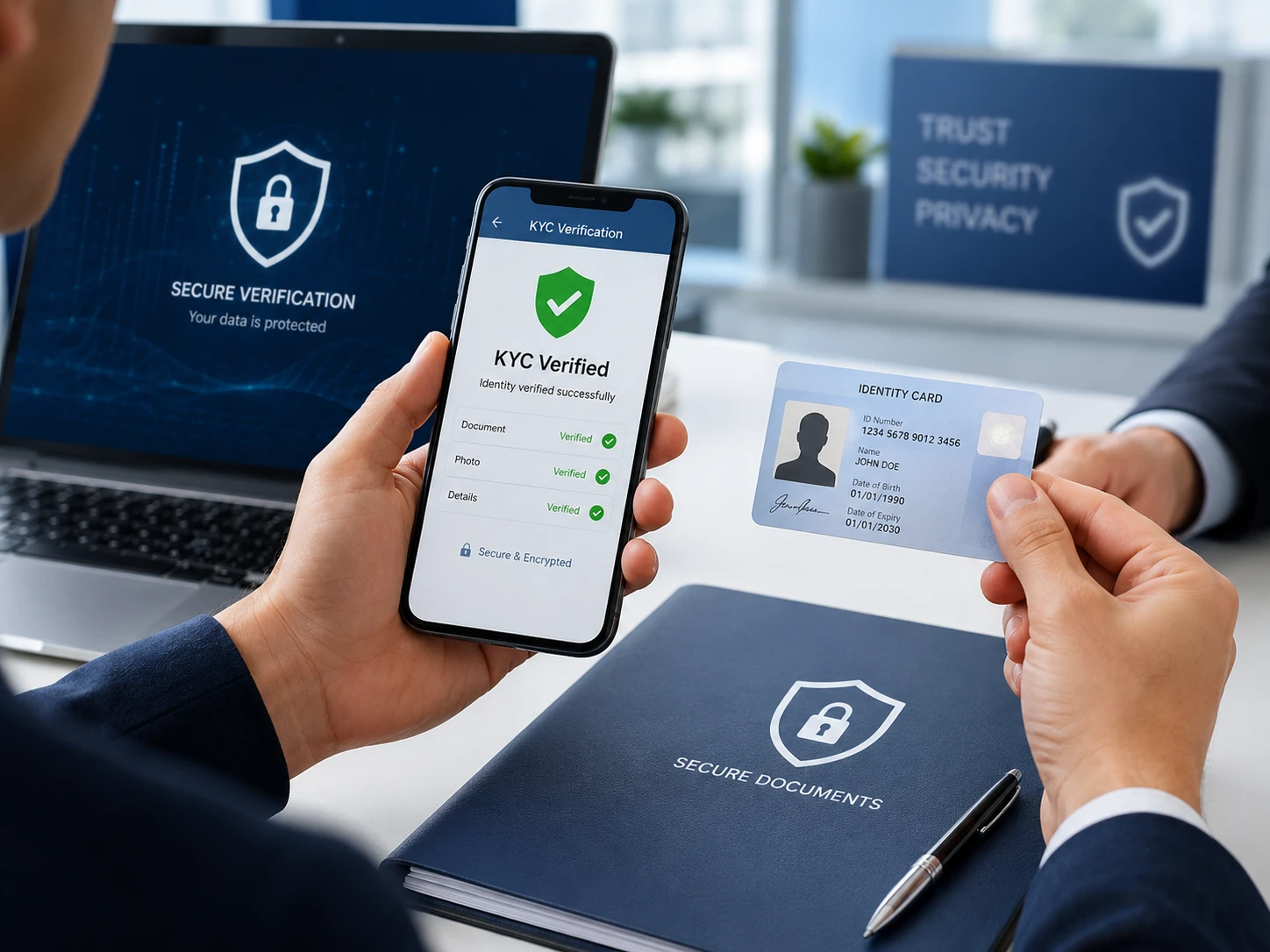
Verify your email, resolve your address, upload the required PAN document securely and review the applicable declarations before submission.
Please do not make the payment in any savings account or personal UPI. Make the payment in The Vision Research account only. Company is not responsible for any other account payment.
Secure KYC application
Email verification, address resolution, private PAN upload and explicit consent are enforced server-side.
How to use this page
Use this page to review secure verification, consent, data minimisation and service prerequisites. Start with the verified or formal information already displayed, then use contextual links to reach the correct service, onboarding, payment or grievance route.
General guidance does not activate a service, authorise payment or create an assured outcome. Keep service selection, KYC, payment safety and grievance handling on their dedicated routes so information is reviewed in the correct context.
Identity documents must not be sent through general forms or Chat.

Security notice
KYC submissions use private document storage and controlled administrator access. Operational retention, access review and audit procedures should follow the organisation's approved compliance process.
Document checklist
FAQ
The PAN document is submitted through the dedicated KYC endpoint and stored on the configured private Laravel filesystem. It is not exposed as a public asset URL.
You can continue using manual State, City and Area entry. The server still validates the submitted address fields.
The current KYC workflow retains the existing Amount Paid field where enabled by package configuration. Do not enter card, bank-login or trading credentials.
Practical review checklist
Identify the purpose of the page and separate confirmed facts from details that still require written confirmation. Retain relevant records, use official contact information and do not disclose passwords, OTPs, trading credentials, bank access information or unrelated identity documents through general forms or Chat.
Before a service or payment decision, compare the relevant service page, Fees and availability, GST wording, risk disclosures, KYC requirements, terms, MITC, consent and refund information. If an issue needs review, prepare a concise chronology and use the registered grievance route before official escalation channels where appropriate.
Use this page as a preparation aid rather than a substitute for the relevant formal document. Record the route, service, policy or communication involved; identify which information is verified and which remains unresolved; and request written confirmation instead of relying on an assumption, unsolicited message or social-media contact. Submit only the minimum information needed for the stated purpose and keep copies of important confirmations.
Key questions
Service questions, KYC, payment safety, complaints and grievances use separate routes.
Use registered entity details, current policies, published prices and formal wording. Unresolved details require confirmation.
Do not enter passwords, OTPs, trading credentials, bank information or unrelated identity documents.
Contact The Vision Research first and keep records; use SCORES or ODR where escalation is appropriate. Keep a concise chronology, relevant communication references and the outcome requested. Do not include passwords, OTPs, trading credentials, bank access information or unrelated identity documents. State the practical resolution sought and keep each submission limited to the relevant issue and route.
Frequently asked questions
No. Service activation requires confirmed scope, availability, KYC, terms, MITC, consent and authorised payment.
No. Do not submit passwords, OTPs, trading credentials or bank access information.
Use the Fees and availability section on the relevant service page. Do not assume an unpublished price.
Use Grievance Redressal and retain supporting records. SCORES and ODR remain available for official escalation.
Investor disclosure
SEBI Research Analyst Registration: INH000017860
This notice is shown once per browser session after acknowledgement.